A catering cost calculator for events is a simple planning framework that tallies headcount, portions, menu mix, dietary needs, rentals, staffing, and delivery logistics into one organized estimate. It helps Toronto planners predict quantities, reduce waste, and lock in service details—without needing exact prices up front. You’ll find a ready-to-copy template, steps, and real examples below.
Quick Answer
The fastest way to build a catering cost calculator for events is to list guest types (adults, teens, kids), portion multipliers, service style, dietary accommodations, rentals, staffing, and delivery/setup windows. For Toronto teams near 898 College St, Shawarma Moose can translate this worksheet into a finalized catering plan and delivery schedule.
Overview
Use a catering cost calculator for events to standardize planning: define headcount types, portion multipliers, menu categories, service style, dietary needs, rentals, staffing, and delivery windows. This structure creates consistent estimates, reduces over-ordering, and speeds approvals. It also gives vendors one clear brief so execution is smooth on event day.
- What you’ll get: Step-by-step build, ready-to-copy template, and portioning rules that fit Toronto office lunches, trainings, and receptions.
- Why it matters: Clear assumptions drive accurate quantities and fewer last-minute changes.
- Who it’s for: Office managers, EA/ops leads, and event planners across downtown Toronto and the GTA.
- How we localize: Timing buffers for traffic, elevator access, and venue rules common around College St, Queen West, and the Financial District.
- Next steps: Copy the template, customize multipliers, and send it to Shawarma Moose to confirm logistics and finalize your menu.
Local Tips
- Tip 1: For downtown deliveries near College St and Ossington, reserve a loading spot and notify building security. It shortens elevator waits and avoids last-minute reroutes.
- Tip 2: Toronto weather shifts fast. Add a 15–20 minute buffer in winter or during summer festival traffic along Queen St West and Spadina.
- Tip 3: If your office has strict dock hours, ask your vendor for a “staged setup” option—food arrives hot, then final platters are arranged on-site within your access window.
IMPORTANT: These tips reflect how we regularly deliver from 898 College St for office lunches, trainings, and evening receptions across central Toronto.
What Is a Catering Cost Calculator for Events?
A catering cost calculator for events is a structured worksheet that converts guest counts, portion rules, menu categories, service style, dietary needs, and logistics into a single planning estimate. It removes guesswork, aligns vendors quickly, and prevents under- or over-ordering across Toronto offices, trainings, and receptions.
- Core purpose: Create one truth for quantities and logistics so everyone—planner, venue, and caterer—works from the same assumptions.
- Why planners use it: Faster approvals, better alignment, lower food waste, and smoother delivery timing.
- How it fits Toronto: Accounts for condo/elevator access, limited loading, and variable commute times across the downtown core and GTA.
Key components your calculator should track
- Headcount by type: Adults, teens, kids; staff vs. guests; presenters who may eat earlier or later.
- Portion multipliers: Lunchtime wraps vs. evening receptions; hungry groups (trainings) vs. light nibbles (cocktail hours).
- Menu categories: Proteins (chicken, beef, falafel), grains/pita, salads/sides, sauces, beverages, desserts.
- Dietary accommodations: Vegetarian, vegan, halal, gluten-friendly labeling, and common allergens clearly marked.
- Service style: Buffet, build-your-own stations, boxed meals, or passed appetizers.
- Logistics: Delivery window, on-site setup time, table/linen needs, access path (dock, elevator, suite).
- Waste buffer: A modest cushion for late arrivals or big appetites without significantly overshooting.
In our experience serving Toronto teams, the calculator becomes the project’s control panel. You can adjust one assumption—like switching from boxed meals to a build-your-own shawarma bar—and immediately see the ripple effects on trays, staffing, and labeling.
Why a Calculator Matters for Toronto Events
A calculator standardizes estimates, minimizes food waste, and anticipates Toronto-specific logistics like elevator access and traffic. It aligns teams on portions, dietary splits, and setup timing so your caterer delivers hot, on time, and organized—whether it’s a lunch-and-learn or a 200-person reception downtown.
- Reduces over-ordering: Portion multipliers tuned to the occasion—lunch training vs. light reception—avoid excess.
- Improves timing: Delivery windows and setup durations are explicit in the worksheet. That keeps food hot and lines short.
- Protects dietary needs: Clear counts for vegetarian, vegan, and gluten-friendly options prevent last-minute scrambles.
- Handles venues smoothly: Buildings near College St and Queen West often require security check-ins; plan 10–20 extra minutes.
- Optimizes approvals: Stakeholders see assumptions up front, which shortens back-and-forth and signoff time.
For menu structure ideas and guest flow, our event catering menu planning guide breaks down station design and labeling so lines move naturally.
How the Calculator Works: Step-by-Step Build
Build your calculator by listing guest types, selecting portion multipliers per service style, mapping menu categories, and adding logistics (delivery, setup, rentals, staffing). Then sum quantities and add a small buffer. Share the worksheet with your caterer to validate quantities and finalize the run of show.
- Define guest categories.
- Adults, teens, kids; note speakers who may miss the main window.
- Flag dietary counts: vegetarian, vegan, gluten-friendly, halal.
- Choose service style.
- Buffet, build-your-own shawarma bar, boxed meals, or mixed.
- Service style dictates trays, utensils, and line layout.
- Apply portion multipliers.
- Lunch training groups often eat more than quick staff meetings.
- Reception bites (small plates) skew lighter per person but need variety.
- Map menu categories.
- Protein trays, pita/grains, salads/sides, sauces/toppings, dessert, beverages.
- Assign splits for dietary needs within each category.
- Account for logistics.
- Delivery window, access path, elevator time, setup duration, labeling.
- Note table/linen needs and any rentals.
- Add a modest buffer.
- Cover late arrivals and presenters who eat after the main crowd.
- Keep buffers lean to minimize waste—your caterer can advise.
- Vendor review.
- Share with your caterer to validate quantities and confirm setup.
- Lock in station layout and labeling so dietary options are clear.
| Calculator Field | What It Captures | Why It Matters |
|---|---|---|
| Adults/Teens/Kids | Guest mix and appetite differences | Portion multipliers vary by age and timing |
| Service Style | Buffet, build-your-own, boxed, passed apps | Changes trays, utensils, staffing, and flow |
| Dietary Splits | Vegetarian, vegan, gluten-friendly, halal | Avoids shortages and cross-contact issues |
| Menu Categories | Proteins, grains/pita, salads/sides, sauces | Ensures balance and right variety per guest |
| Logistics | Delivery window, setup, access path, tables | Keeps food hot and setup on schedule |
| Buffer | Small overage for late arrivals | Prevents running out at peak demand |
Copy-and-paste calculator template
EVENT NAME:
DATE / LOCATION:
GUESTS: Adults __  Teens __  Kids __  Staff/Presenters __
DIETARY: Vegetarian __  Vegan __  Gluten-friendly __  Halal __  Allergies: ______
SERVICE STYLE: Buffet | Build-Your-Own | Boxed | Mixed
DELIVERY WINDOW: __:__ to __:__    SETUP DURATION: __ minutes
ACCESS NOTES: Loading dock? Elevator? Suite? Security? ________________

PORTION MULTIPLIERS (customize):
- Lunch wraps per adult: __
- Pita per adult: __   Salads per adult: __   Sides per adult: __
- Reception small bites per adult: __  (variety: __ categories)
- Dessert per adult: __   Beverage per adult: __

MENU CATEGORIES (quantities):
- Proteins: Chicken __  Beef __  Falafel __  (dietary splits: __)
- Pita/Grains: __
- Salads/Sides: __
- Sauces/Toppings: __
- Desserts: __
- Beverages: __

RENTALS / TABLES / LINENS: __
STAFFING (if applicable): __
BUFFER (modest): __
VENDOR REVIEW: Confirmed by: __________  Date: __________
Prefer a ready-made build-your-own path? Our build-your-own catering flow streamlines trays, toppings, and labels for easy self-serve lines.
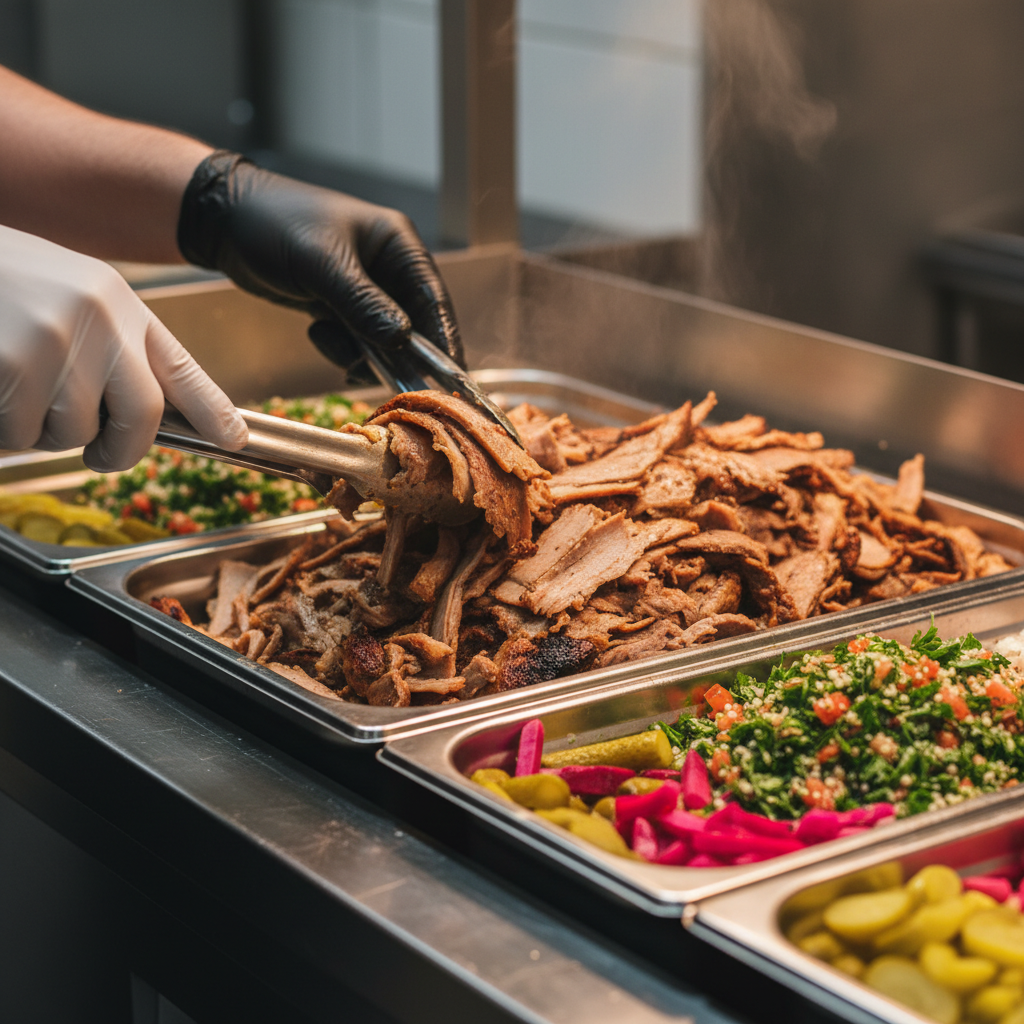
Need a second set of eyes? Share your filled calculator and floor plan with our coordinator. We’ll validate portions, confirm access details, and align your station labels with dietary splits so lines move quickly.
- Menu structure help: see our shawarma catering Toronto guide for station ideas.
- Office buffet layout: browse buffet-style office catering for common setups we use across the core.
Types and Methods: Service Styles That Change the Math
Service style drives your calculator. Buffets and build-your-own stations need shared trays and clear labels; boxed meals need one-to-one packaging; receptions need variety across small plates. Pick your style first, then set portion multipliers and logistics—everything else flows from that decision.
Buffet or build-your-own stations
- When to use: Medium to large groups; flexible appetites; dietary labeling on platters.
- Planner advantage: Efficient lines, easy refills, and fewer individual decisions.
- Calculator impact: Trays per category, tongs/utensils, extra labels, and a moderate buffer for late arrivals.
Boxed meals
- When to use: Training rooms, board meetings, or strict timing.
- Planner advantage: One-to-one counts; fast seat drops.
- Calculator impact: Exact counts by dietary label; lower waste buffer; cooler storage room if staggered.
Receptions and small plates
- When to use: Mix-and-mingle evenings; gallery and rooftop venues.
- Planner advantage: Lighter per-person portions but higher variety expectations.
- Calculator impact: More categories, smaller quantities per item, and stronger emphasis on labeling/passing patterns.
| Service Style | Strengths | Watch-outs | Calculator Focus |
|---|---|---|---|
| Buffet | Scales well, clear labeling, easy refills | Line management, table space | Trays per category, utensils, buffer |
| Build-Your-Own | Customization, guest engagement | Extra toppings, organized flow | Toppings variety, containers, labels |
| Boxed Meals | Precise counts, minimal lines | Less flexibility for late changes | One-to-one counts, dietary tags |
| Receptions | Great for mingling, variety | Smaller bites, more categories | Item variety, pass patterns, labeling |
Best Practices: Keep Your Numbers Honest
Lock assumptions, then build. Confirm guest mix, service style, delivery window, and access path first. Use realistic portion multipliers, label dietary options clearly, and keep buffers lean. Share the worksheet with your caterer to validate quantities and finalize the setup plan before invites go out.
- Confirm the service style first. It controls everything else—trays, utensils, and staffing.
- Use realistic multipliers. Training audiences and post-run crews usually eat more than quick lunch-and-learns.
- Label thoroughly. Clear markers for vegetarian, vegan, gluten-friendly, and halal keep lines moving.
- Keep buffers modest. We aim to reduce waste while protecting the peak eating window.
- Plan the path. Dock access and elevator timing near College St can add setup minutes; capture it in your sheet.
- Pressure-test variety. Use our menu planning guide to check balance across proteins, salads, and sides.
- Consider a build-your-own bar. Our build-your-own option improves flow and customization for mixed dietary groups.
Tools and Resources to Speed Planning
Pair a simple spreadsheet with vendor-ready product flows. Use a copyable worksheet, keep notes in calendar holds, and share a one-page brief with your caterer. Reference station layouts and dietary labeling examples so guests move quickly and choices are clear.
- Spreadsheet + template: Copy the calculator above into Sheets or Excel and save versions as your headcount firms up.
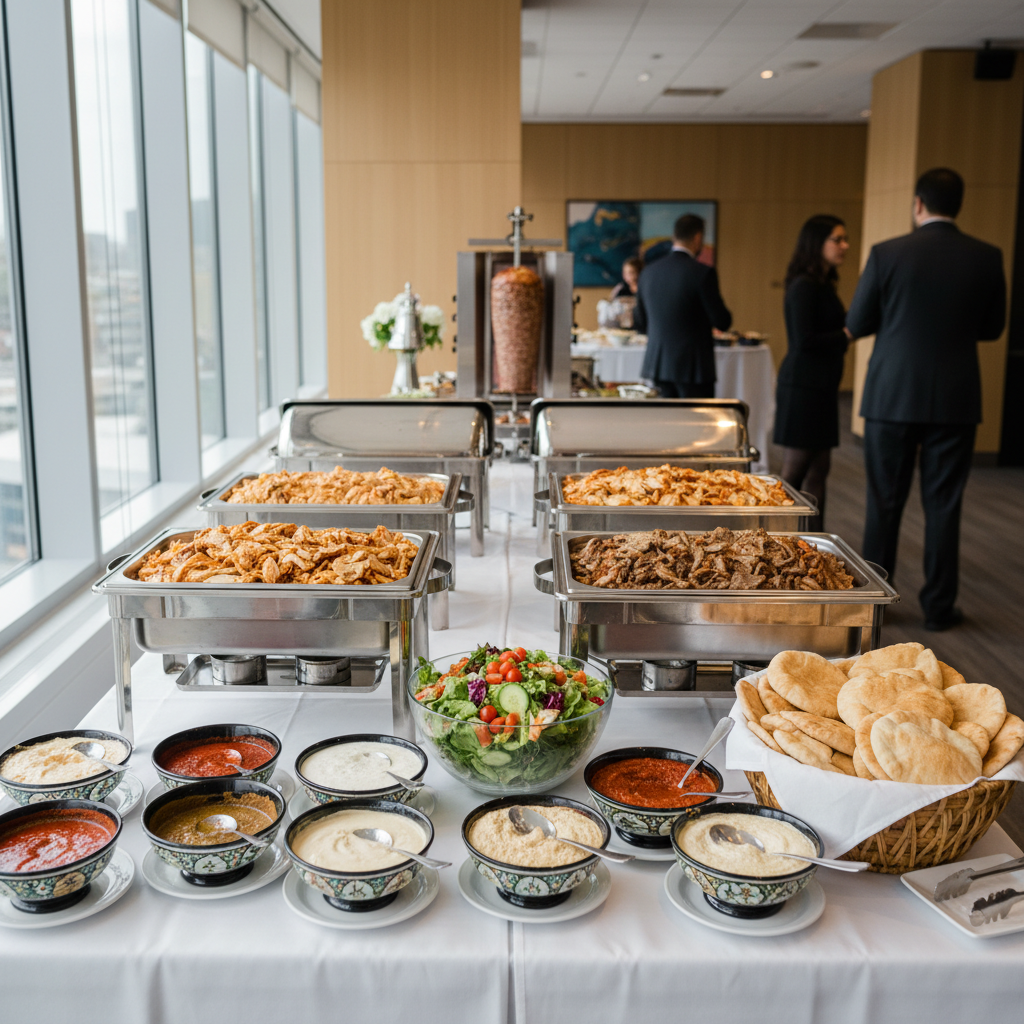
- Vendor-ready flows: Review buffet-style setups to visualize tables, chafing dishes, and signage.
- Menu structure references: Our shawarma catering Toronto guide shows how proteins, salads, and sauces balance guest choices.
- External perspectives: A comparison like this shawarma catering overview can spark alternative station ideas for receptions.
- Mediterranean inspiration: Explore mixed platters and sides in Mediterranean catering ideas to broaden variety without overcomplicating service.
Case Studies: Toronto Scenarios and Solutions
Use the same calculator for lunch trainings, evening receptions, and all-hands meetings. Adjust portion multipliers, variety, and labeling to match the occasion. The worksheet scales from 20 to 200+ guests and keeps delivery, access, and setup times visible for your venue.
Downtown lunch-and-learn (office near College St)
- Goal: Quick service between meetings; mix of wraps and salads.
- Planner notes: Reserve elevator; add clear dietary labels; modest buffer for latecomers.
- Outcome: Self-serve line moved in minutes; presenters ate after the main crowd using the remaining buffer.
Evening reception (Queen West gallery)
- Goal: Small plates, high variety, light per-person portions.
- Planner notes: More categories, smaller quantities; emphasize labeling and pass patterns.
- Outcome: Guests sampled broadly without bottlenecks; clean breakdown at close.
Company training day (Mississauga campus)
- Goal: Hearty lunch with build-your-own shawarma bar; multiple dietary needs.
- Planner notes: Higher lunch multipliers; extra toppings; clear vegan path.
- Outcome: Higher-than-average appetites covered; minimal leftovers thanks to calibrated multipliers.
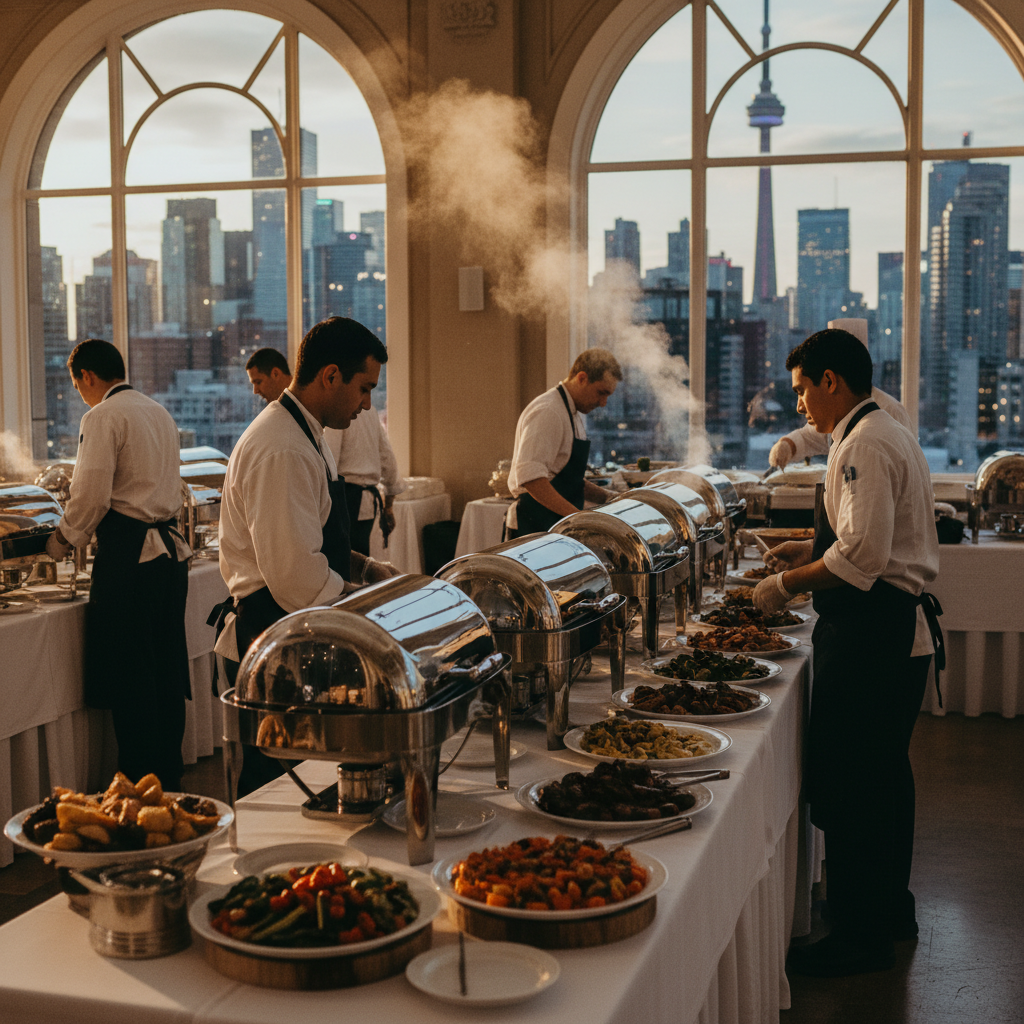
Planning for a larger headcount? See our note on scaling lines and signage in catering for large groups to keep throughput high during the peak 20 minutes.
Pricing Factors (No Numbers—What to Include in Your Calculator)
Instead of listing prices, structure your calculator around categories: service style, headcount and dietary splits, menu variety, rentals, staffing, and delivery/setup constraints. This reveals where the effort and resources go and helps your vendor translate assumptions into a formal proposal.
- Service style: Buffets/stations vs. boxed meals change packaging, utensils, and staffing assumptions.
- Headcount and dietary splits: Clarify vegetarian, vegan, gluten-friendly, and halal counts by name list or ratio.
- Menu variety: Additional categories (extra salads, toppings) improve satisfaction but add complexity.
- Rentals: Tables, linens, chafing gear, and serving utensils as needed by venue rules.
- Staffing considerations: On-site support for setup, replenishing, or light service at receptions.
- Delivery and access: Downtown loading, elevator timing, or split-floor setups can extend setup windows.
- Waste buffer: Keep it lean; align it with your audience and schedule.
FAQ
Plan portions by guest type, pick a service style, and label dietary options clearly. Share your filled calculator with your caterer to validate quantities and logistics. Lock delivery and setup windows early for smoother execution on event day across Toronto venues.
- How do I estimate portions for a lunch training vs. a quick meeting?
Training audiences usually eat more. Increase your wrap and salad multipliers and add extra toppings. For brief meetings, lighten portions and emphasize variety without heavy mains. - What’s the best way to plan for vegetarian and vegan guests?
Count them explicitly in your calculator and map a clear path on the buffet or build-your-own bar. Distinct platters and labels prevent cross-contact and keep lines moving. - When should I lock delivery and setup times?
As soon as your room booking is firm. Downtown Toronto venues often need security notice and elevator timing. Put the window and access notes directly in your worksheet. - How do boxed meals change the plan?
They require one-to-one counts by dietary label and reduce buffer needs. They’re ideal for trainings or boardrooms with fixed seating and tight schedules. - Can one calculator handle 20 to 200+ guests?
Yes. The fields stay the same, but portion multipliers, variety, and staffing scale up. Validate with your vendor when you expect lines longer than 10–12 minutes.
Key Takeaways
Decide service style first, set realistic portion multipliers, and make dietary counts explicit. Keep buffers lean, document delivery/setup logistics, and share your worksheet early. The same calculator scales from small meetings to large receptions across Toronto.
- Pick service style early; it controls the math.
- Use portion multipliers that match the occasion and appetite.
- Label dietary options clearly and keep a modest buffer.
- Document delivery windows, access, and setup timing.
- Share the worksheet with your caterer to validate and finalize.
Conclusion
- You now have a working catering cost calculator for events—guest types, multipliers, menu categories, logistics, and buffers.
- Next step: Copy the template, fill it with your counts, and email it with your room/venue details.
- We’ll partner on the finish: Shawarma Moose translates the sheet into trays, labels, and a delivery plan that fits your building and schedule.
Ready to put your worksheet into action? If you’re planning in and around 898 College St, we’re close enough to hit tight windows in the downtown core. Share your filled calculator, and we’ll turn it into a confirmed menu and delivery schedule.