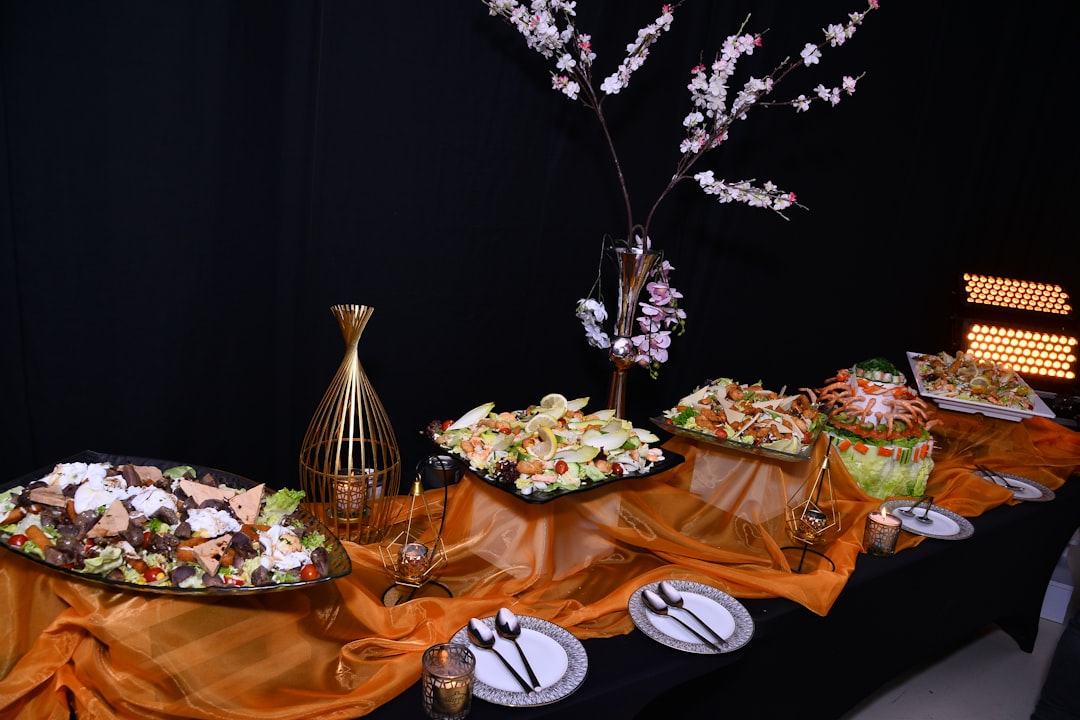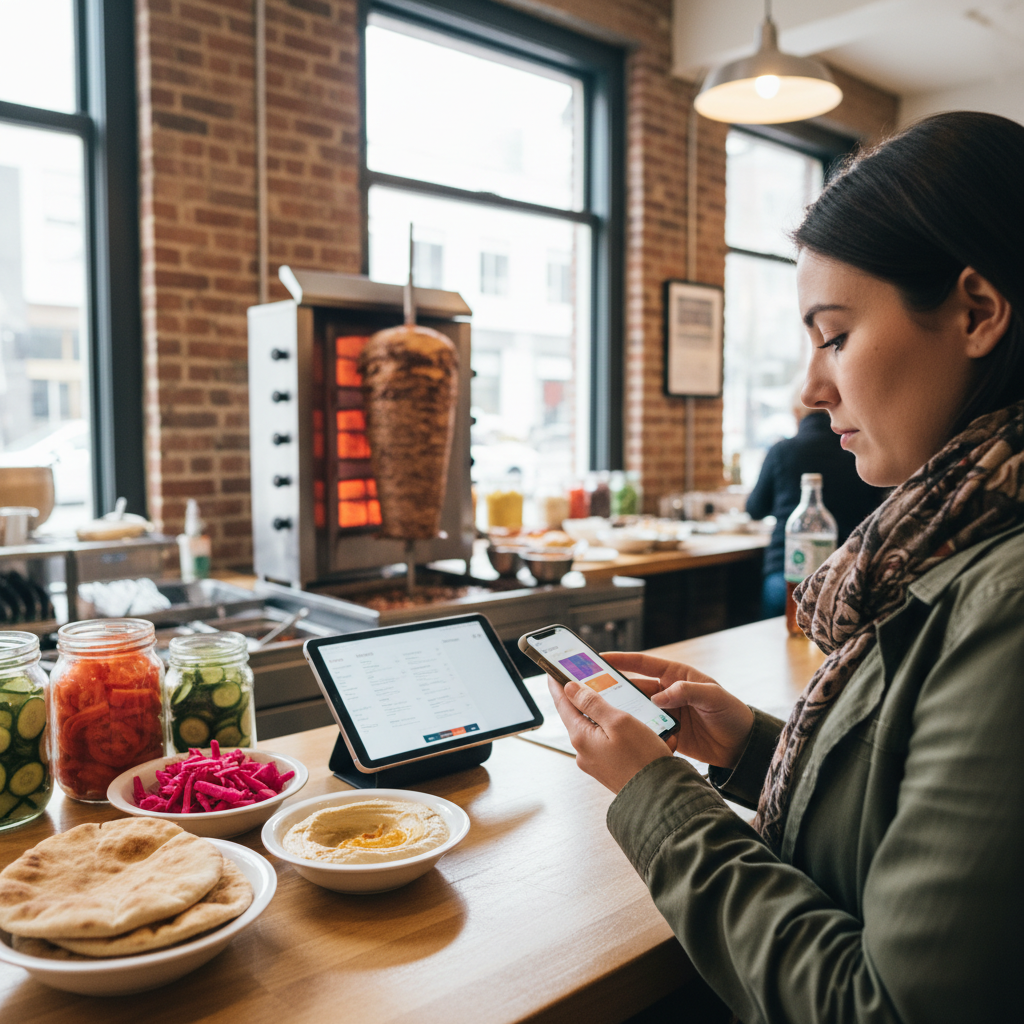
Online ordering mistakes to avoid are the small but costly errors that derail delivery, pickup, or catering orders—wrong addresses, unclear notes, missed add-ons, or poor timing. For Toronto diners ordering from Shawarma Moose at 898 College St, avoiding these missteps means hotter meals, smoother pickups, and stress-free catering for teams and families.
By Shawarma Moose • Last updated: 2026-06-04
Above-Fold Section: What you’ll learn in this guide
This guide shows you exactly how to avoid the most common online ordering mistakes, from inaccurate delivery addresses to last-minute pickup timing and unclear catering notes. Use our checklists, examples, and tools to get faster deliveries, better-built shawarma wraps, and reliable event catering with less back-and-forth.
Whether you’re grabbing a solo plate, coordinating a family dinner, or feeding a corporate meeting, a few smart habits prevent mix-ups. You’ll see the full order flow, where errors creep in, and quick fixes.
- Spot the 10 most frequent errors (and how to prevent them).
- Follow a proven delivery, pickup, and catering workflow.
- Use checklists that take 60 seconds to complete.
- Lean on Shawarma Moose’s ordering tools for clarity and speed.
What is “online ordering mistakes to avoid”?
“Online ordering mistakes to avoid” refers to preventable errors that cause delays, incorrect meals, or frustrating experiences. Typical issues include wrong address formats, missed customizations, vague instructions, and poor pickup timing. Fixing these improves order accuracy, delivery success, food quality, and customer satisfaction across delivery, pickup, and catering.
Think of these mistakes as friction points across your ordering journey. Most happen during menu selection, address entry, notes, and scheduling. A few small checks dramatically raise accuracy and reduce re-deliveries.
For Shawarma Moose guests, simple steps like confirming garlic sauce preference or selecting utensils for a team lunch can remove confusion later on.
Why avoiding these mistakes matters
Avoiding ordering errors protects food temperature, timing, and accuracy—three drivers of satisfaction. It also reduces re-deliveries, missed pickups, and back-and-forth calls. Small fixes, like clear delivery instructions and confirming dietary notes, lead to hotter shawarma, faster handoffs, and happier groups.
Order friction creates abandonments, delivery delays, and disappointment. Research on eCommerce shows cart abandonment rates near 70%, reflecting how small hurdles push people away. See industry benchmarks from the Baymard Institute’s abandonment study for context on how friction impacts completion.
Food quality hinges on time and temperature. While your meal is safe at handoff, smart timing (pickup windows, quick receipt at delivery) preserves quality during the final stretch.
Hot holding targets also matter when planning catering. The FDA Food Code (2022) sets 135 °F as the minimum hot-holding temp guideline for many cooked foods, which is why quick setup at your venue and accurate headcounts help minimize holding time and keep food enjoyable.
How online ordering works at Shawarma Moose
At Shawarma Moose, you choose delivery, pickup, or catering; customize items; add notes; confirm time and contact details; and place your order. Clear choices and specific instructions help the kitchen prepare accurately and ensure drivers or pickup staff hand off meals quickly.
Our online storefront streamlines the basics—choose items, add extras, set a time, and confirm contact details. For everyday meals, start at the online ordering page. For groups, explore our catering options to plan trays, wraps, and sides for meetings or parties.
Here’s the typical flow we see with Toronto guests ordering from 898 College St:
- Choose service type: Delivery (to your address), Pickup (you collect at the counter), or Catering (serving multiple people).
- Select dishes: Mix shawarma wraps, plates, and Turkish sides. Consider veg options for mixed groups.
- Customize: Pick garlic sauce, tahini, pickles, and heat level. Add utensils or extra sauces for teams.
- Notes: Add dietary flags (e.g., no dairy) and delivery instructions (e.g., buzzer, side entrance).
- Schedule: Choose a pickup window or delivery time that allows quick handoff.
- Confirm: Double-check phone, address, and any buzz codes for delivery.
In our experience, the biggest wins come from specific notes and realistic pickup/delivery times. Simple, right-sized details keep food temperature and textures at their best.
Delivery vs. pickup vs. catering: common pitfalls
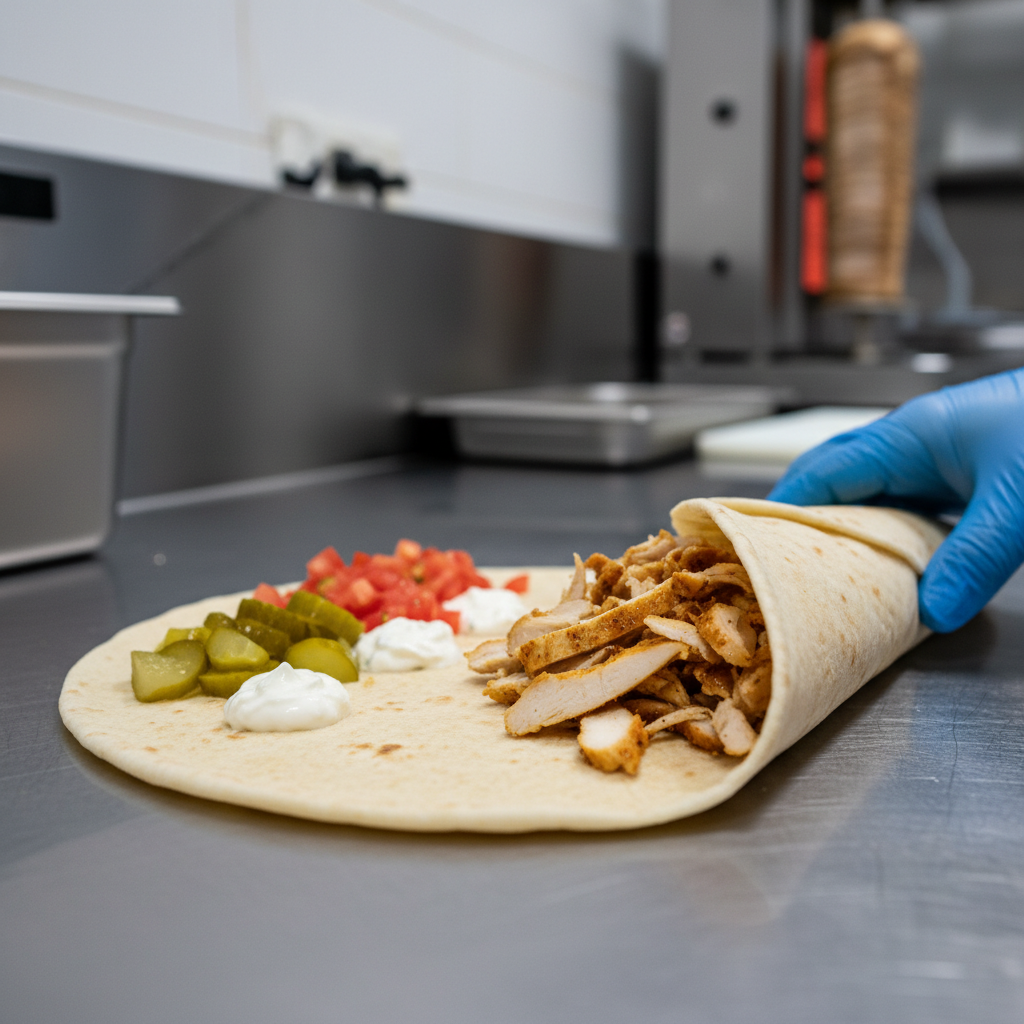
Delivery mistakes often involve addresses and timing; pickup errors stem from unrealistic windows; catering issues come from vague headcounts and unclear dietary notes. Matching instructions to the service type prevents delays, protects food quality, and ensures each guest receives what they expect.
Different ordering modes carry different risks. Identifying them upfront lets you use the right prevention steps. Use the table below to spot the most frequent issues and how to avoid them.
| Service Type | Typical Mistake | Impact | How to Prevent | Helpful Link |
|---|---|---|---|---|
| Delivery | Incomplete address or missing buzzer code | Driver delays; cooler food on arrival | Include unit, entrance notes; keep phone on | Start your order |
| Pickup | Too-tight pickup window | Waiting or missed handoff | Choose a realistic time; arrive at start of window | View pickup times |
| Catering | Vague headcount/dietary notes | Under/over portions; last-minute changes | Confirm headcount; list 2–3 dietary flags | Catering menu |
For menu planning inspiration, see our Toronto event catering menu guide, which details balanced combinations guests consistently enjoy.
The 13 online ordering mistakes to avoid
Avoid these 13 errors: wrong address format, missing buzz codes, vague delivery notes, unrealistic pickup times, skipping order review, unclear dietary flags, underestimating portions, forgetting utensils, missing sauces, late catering approvals, last-minute headcount changes, ignoring order tracking, and not answering driver calls.
Here’s a concise list you can skim before checkout. We built it from real Old Toronto orders handled at 898 College St and from patterns across delivery, pickup, and catering.
- Wrong or incomplete address. Add unit, entrance, and buzzer. Delivery errors here cause the majority of delays we see.
- Vague delivery instructions. “Leave at door” is fine, but add floor/side and landmarks where legal and safe.
- Unrealistic pickup times. Choose a window you can meet. Arrive early in the window for best temperature and texture.
- Skipping the final item review. A 20-second scan catches missing sauces or sides.
- Unclear dietary notes. Write “no dairy, tahini ok” vs. “allergy” to guide precise prep.
- Underestimating portions for groups. For mixed appetites, add at least one extra side or wrap.
- Forgetting utensils/napkins for teams. Add cutlery and serving tongs when feeding a room.
- Missing sauce preferences. Garlic, tahini, or heat level help the kitchen get your flavor right.
- Late catering confirmations. Finalize headcount and dietary flags early to avoid rush changes.
- Last-minute headcount swings. Lock your attendee list 24 hours before your event window.
- Ignoring order tracking updates. Watch for “out for delivery” and keep your phone nearby.
- Not answering driver/staff calls. A quick pick-up solves gate, buzzer, or parking issues.
- Leaving food sitting after delivery. Receive promptly to maintain quality, especially on busy evenings.
For corporate or private events, scan our private event catering checklist to avoid the predictable last-minute scrambles.
Local tips for Old Toronto and the wider Toronto metro
In Old Toronto, plan for short travel time but variable traffic near College St. For smooth pickups, arrive at the start of your window. For delivery, add clear buzzer notes. For park meetups, receive promptly to protect food quality.
Local realities shape success. Around 898 College St, short-distance deliveries can still face evening congestion. Delivery handoffs are quickest when buzzers and side-entrance notes are clear and phones are on. Pickup customers who arrive at the start of their window get the smoothest experience.
Local considerations for Old Toronto
- If you’re meeting friends at Dufferin Grove Park, pick up right before you head over to keep wraps warm and crisp.
- Weekend evenings near College St can be lively; plan a slightly wider pickup window during rush periods.
- Using transit via Ossington? Choose a pickup time that aligns with train arrivals to minimize waiting.
Coordinating an office lunch nearby? Our Toronto food planning tips break down easy combinations that travel well.
Best practices and 60-second checklists
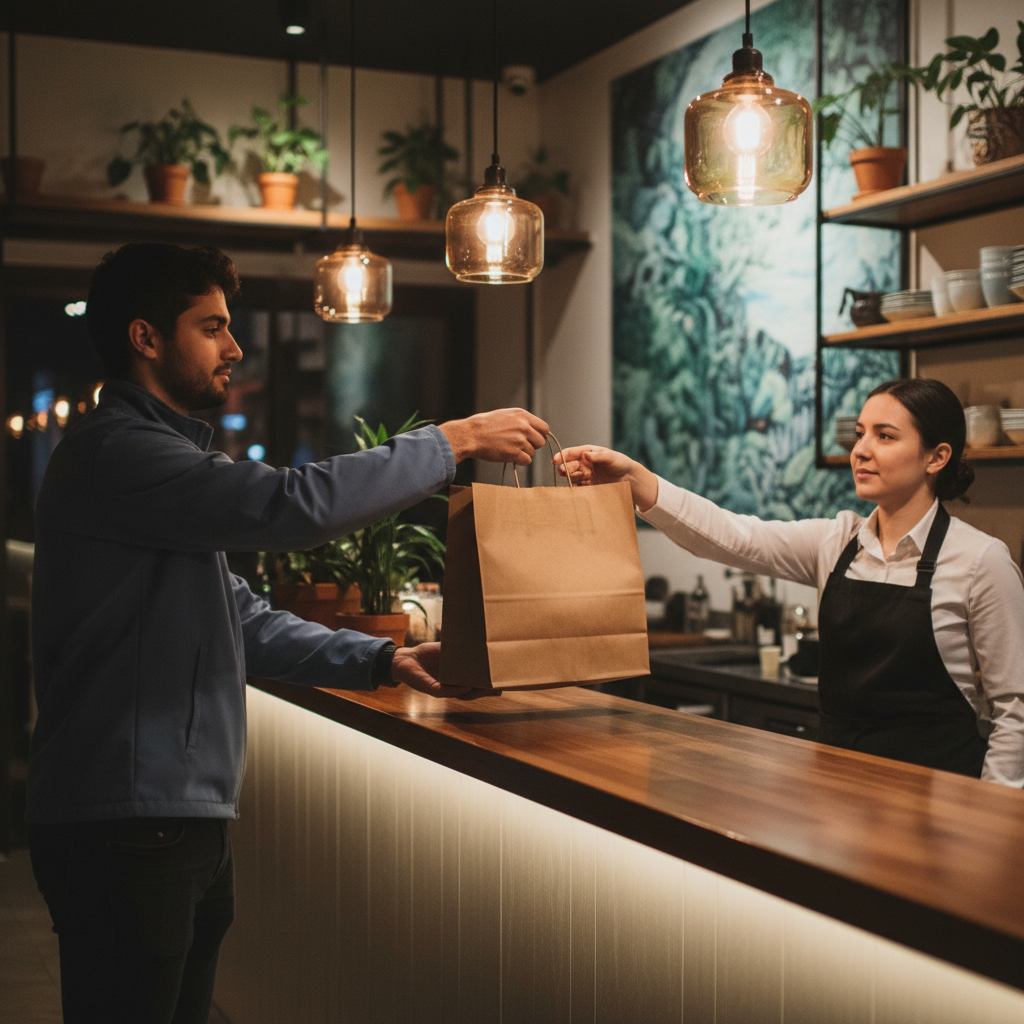
Use short, repeatable checklists: confirm address and buzzer, scan customizations and sauces, pick realistic pickup windows, and add dietary notes. For events, lock headcounts and utensil needs. These steps consistently reduce delays, improve temperature on arrival, and minimize back-and-forth.
Everyday delivery checklist
- Full address with unit, buzzer, and entrance notes
- Phone on; ring volume up during the window
- Specific flavor choices (garlic, tahini, heat level)
- Door or concierge instructions if required
- Receive food promptly at handoff
Pickup checklist
- Realistic pickup time; arrive at the start of the window
- Review items and sauces before submitting
- Bring a tote if you’re carrying multiple plates
- Check for utensils/napkins if feeding more than one
Catering checklist
- Locked headcount; finalize at least a day ahead
- List dietary flags clearly (e.g., “no dairy, tahini ok”)
- Assign a point person and backup contact
- Plan table layout and quick setup area for trays
Planning a workplace spread? Browse practical options in our corporate catering menu ideas and keep variety tight—wraps, a couple of proteins, hearty sides, and a vegetarian choice cover most groups.
Tools and resources that help
Rely on built-in ordering tools: item customization, notes, order tracking, clear pickup windows, and contact confirmation. For groups, use catering forms and menu guides. These features reduce ambiguity and help kitchens and drivers prepare, pack, and hand off meals accurately.
On our ordering page, use customizations to record garlic or tahini, pickles, and heat level. Add a quick note for “no dairy” where needed. For delivery, keep your phone on; tracking updates often signal a 5–10 minute arrival window.
When you’re planning an event, start with the catering hub and pair it with our menu combinations guide. Together, these eliminate most back-and-forth by aligning portions, variety, and dietary needs upfront.
Case studies: How small fixes boost results
Real Toronto orders show consistent wins: clearer buzzer notes cut delivery delays, realistic pickup windows improve texture, and early catering confirmations reduce last-minute changes. Small, repeatable habits deliver hotter food and smoother logistics every time.
Old Toronto office lunch (delivery)
An office on College St added a buzzer, side entrance, and “call if gate is closed.” The driver reached the door on the first attempt. The wraps arrived hot, with crisp pickles intact. Without those notes, drivers often loop the block. A 20-second detail saved 10 minutes.
Friday family dinner (pickup)
A family scheduled pickup for the start of the window and brought a tote for plates. They checked sauces before submitting the order. Pickup took under two minutes, food held its texture, and there were no “who ordered what?” moments at home.
Quarterly team meeting (catering)
A coordinator confirmed 20 attendees, flagged two dairy-free guests, and added utensil and tong requests. Setup was quick; portions matched, and everyone ate at the planned time. Early confirmation prevented the usual last-hour headcount swings.
Want a ready-made plan for private functions? See our Toronto private event checklist for a step-by-step playbook.
At a Glance: Summary
To avoid online ordering mistakes, confirm address details, set realistic pickup windows, add precise notes, and lock catering headcounts. Use built-in customization and tracking. These actions cut delays, protect temperature and texture, and make group meals easier to serve.
- Delivery: precise addresses, buzzer notes, phone on.
- Pickup: arrive at the start of your window; review sauces.
- Catering: finalize headcount and dietary flags early.
- Use ordering tools: customizations, notes, and tracking.
Frequently Asked Questions
The most common ordering mistakes involve addresses, unclear notes, tight pickup windows, and vague catering details. Precise instructions, realistic timing, and quick item reviews prevent almost all issues and lead to faster handoffs and better food quality.
What should I include in delivery notes?
Add the unit number, buzzer code, and entrance details. If there’s a concierge or gate, mention that too. Keep your phone on during the delivery window so the driver can reach you fast if needed.
How do I pick a good pickup time?
Choose a realistic window you can meet and arrive at the start of it. This shortens counter time and helps maintain texture and temperature. If you’re coordinating with transit, sync your pickup with arrival times.
What dietary notes help the kitchen most?
Be specific and concise, like “no dairy, tahini ok” or “no pickles.” This directs exact prep choices without guesswork. If you’re ordering for a group, list the number of guests needing each accommodation.
How can I avoid group order confusion?
Lock the headcount, choose a tight menu set, and add utensils. Confirm one point person to receive the order. For mixed tastes, pair two proteins, a vegetarian option, and hearty sides so everyone has a clear choice.
Conclusion and next steps
Great results come from small habits: precise addresses, clear notes, and realistic timing. Use customization and tracking tools, finalize group details early, and receive promptly. These simple steps keep shawarma hot, pickups smooth, and catering stress-free.
Ready to put this into action?
- For dinner tonight, head to the online ordering page and use the checklists above.
- For your next team lunch, skim our menu guide and open the catering hub.
Soft CTA: Have questions about dietary accommodations or timing windows? Send a quick note when placing your order—we’ll confirm details so your handoff is easy.